| --- |
| license: mit |
| language: |
| - en |
| - eu |
| - es |
| widgets: |
| - text: <diva-protagonist> in spaghetti western |
| output: |
| url: output/output2.JPG |
| - text: <diva-protagonist> on a black and white classic sci-fi movie |
| output: |
| url: output/output1.JPG |
| --- |
| ### diva-protagonist on Stable Diffusion via Dreambooth |
|
|
| This your the Stable Diffusion model fine-tuned the diva-protagonist concept taught to Stable Diffusion with Dreambooth. |
| It can be used by modifying the `instance_prompt`: **`<diva-protagonist>` woman |
| |
| Prompt suggestion: a `<diva-protagonist>` on a black and white movie |
| |
| You can also train your own concepts and upload them to the library by using [this notebook](https://colab.research.google.com/github/huggingface/notebooks/blob/main/diffusers/sd_dreambooth_training.ipynb). |
| And you can run your new concept via `diffusers`: [Colab Notebook for Inference](https://colab.research.google.com/github/huggingface/notebooks/blob/main/diffusers/sd_dreambooth_inference.ipynb), [Spaces with the Public Concepts loaded](https://huggingface.co/spaces/sd-dreambooth-library/stable-diffusion-dreambooth-concepts) |
| |
| Here are the images used for training this concept: |
| 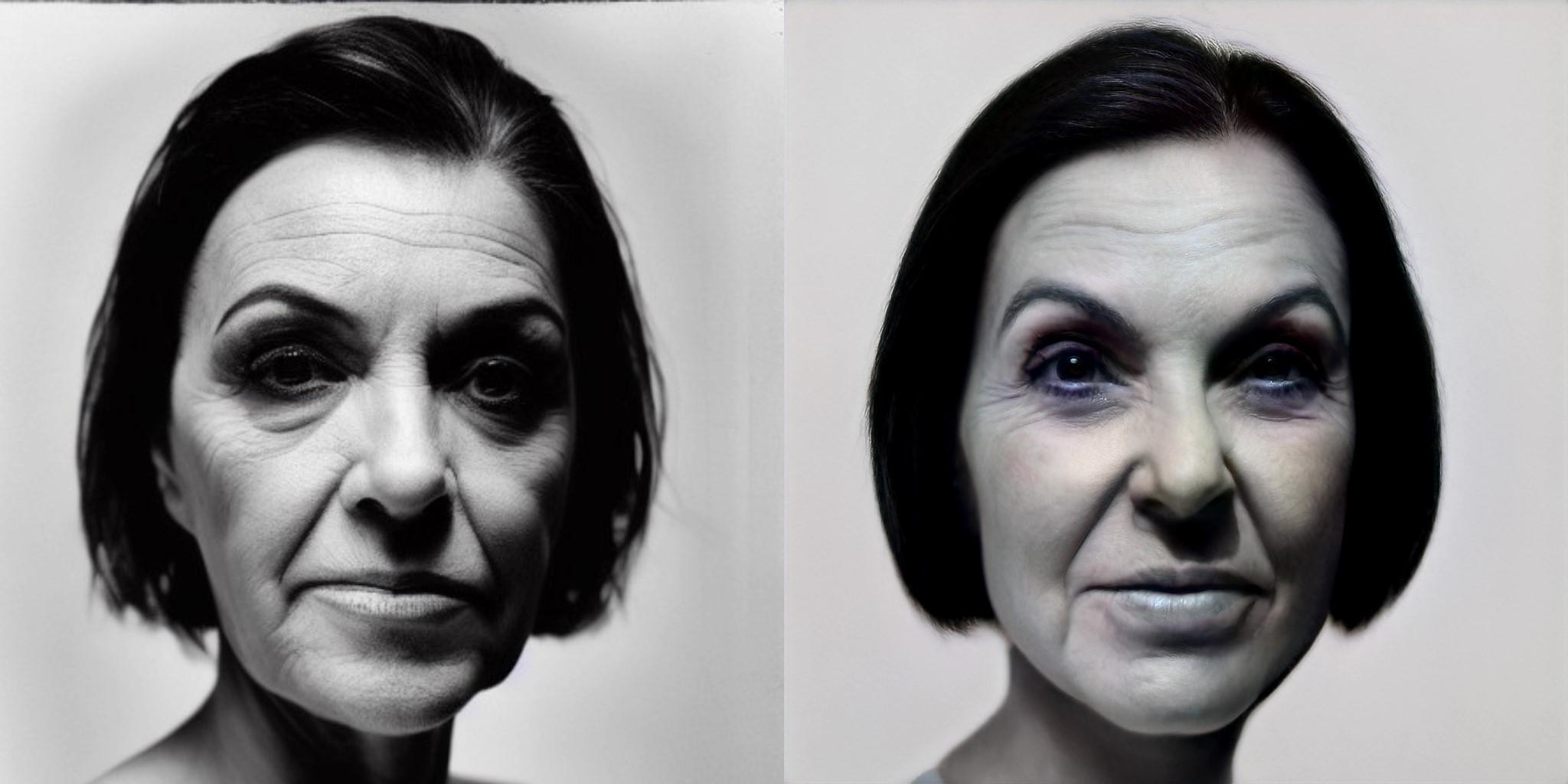 |
| 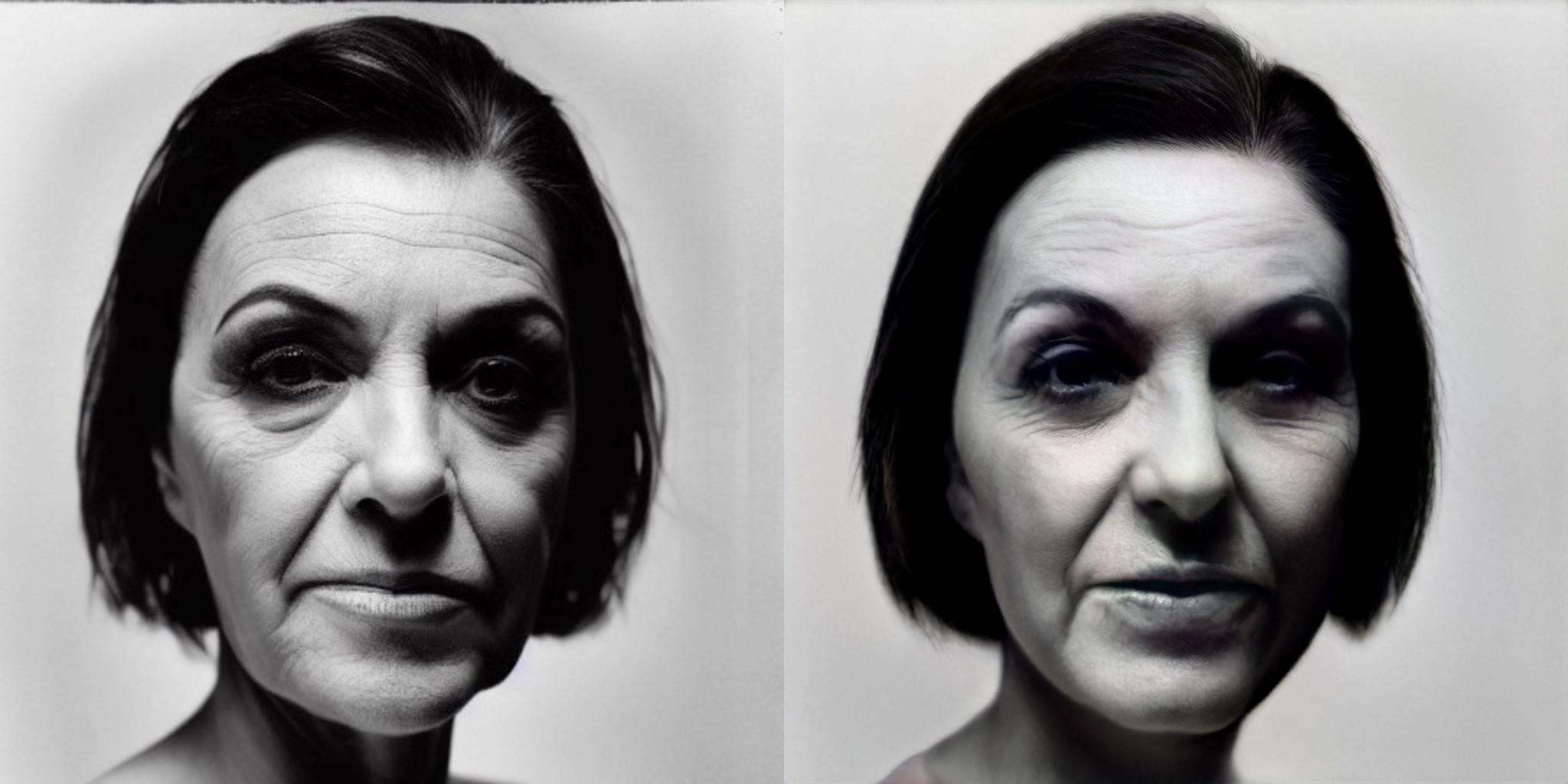 |
| |
| Here are two outputs: |
| 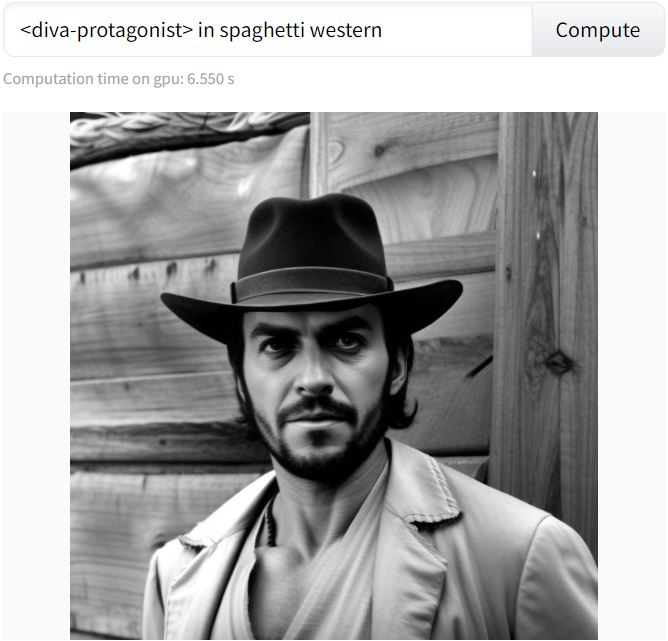 |
| 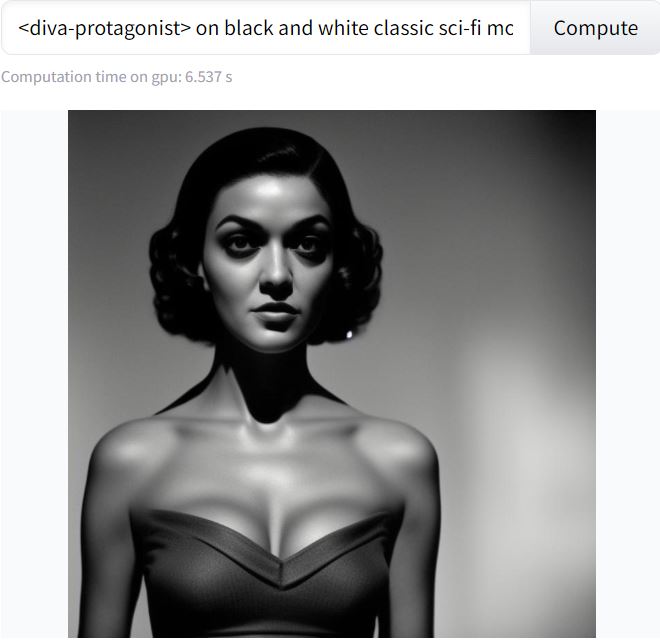 |
| |

